
GitHub Copilot - AI coding assistant của Microsoft
GitHub Copilot là AI coding assistant được dùng nhiều nhất thế giới, tích hợp sâu vào VS Code và toàn bộ GitHub ecosystem: từ code completion đến Copilot Workspace cho toàn bộ feature development.
GitHub Copilot không phải tool mạnh nhất về tính năng AI thuần túy, nhưng nó có thứ không AI coding tool nào khác có: nằm sẵn trong workflow của hàng triệu developer qua GitHub và VS Code.
Khi GitHub Copilot ra mắt năm 2021, nó định nghĩa lại kỳ vọng của developer với AI trong editor. Năm 2025-2026, Copilot đã phát triển thành một hệ sinh thái gồm completions, chat, agent, workspace và extensions.
GitHub Copilot là gì?
GitHub Copilot là AI coding assistant do GitHub (Microsoft) phát triển, chạy trên nền OpenAI models. Có hai thành phần chính:
Copilot completions - Gợi ý code inline theo từng dòng và theo block, dựa trên context file hiện tại và file liên quan. Đây là tính năng gốc và được dùng nhiều nhất.
Copilot Chat - Chat interface trong editor để hỏi về code, giải thích function, suggest refactoring, generate tests và debug. Có thể attach file, symbol hoặc cả workspace làm context.
Copilot Agent Mode
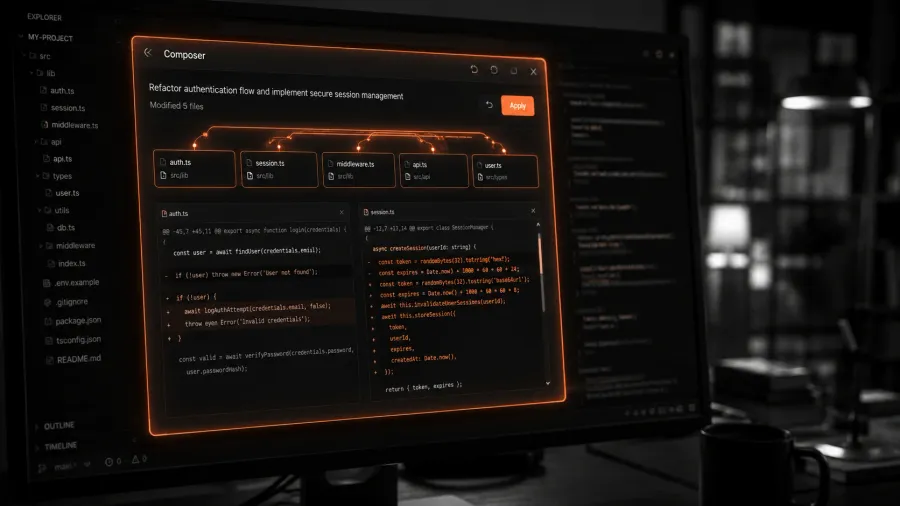
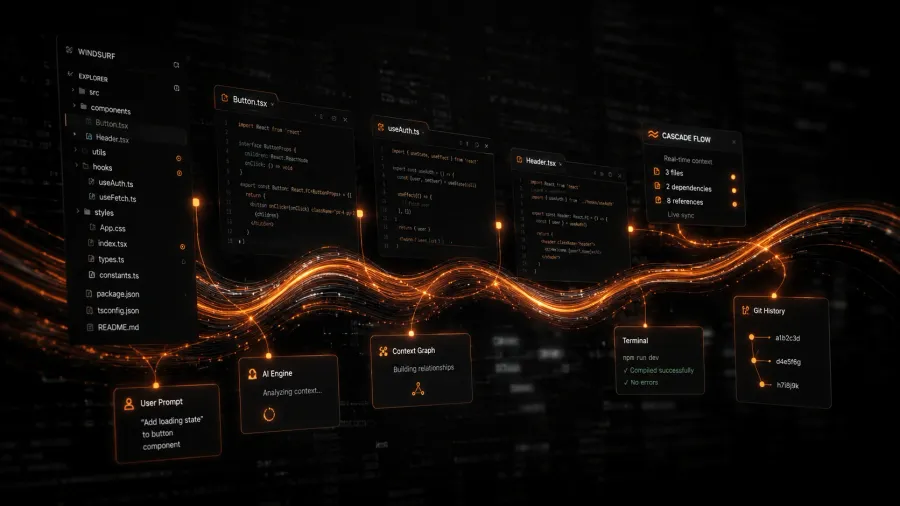
Từ đầu 2025, GitHub bổ sung Agent mode cho Copilot trong VS Code — tương tự Composer của Cursor hay Cascade của Windsurf:
- Nhận task phức tạp bằng ngôn ngữ tự nhiên
- Chỉnh sửa nhiều file
- Chạy terminal commands
- Đọc kết quả và tự sửa lỗi
Agent mode đặt Copilot cạnh tranh trực tiếp với Cursor và Windsurf trong phân khúc multi-file editing.
Copilot Workspace
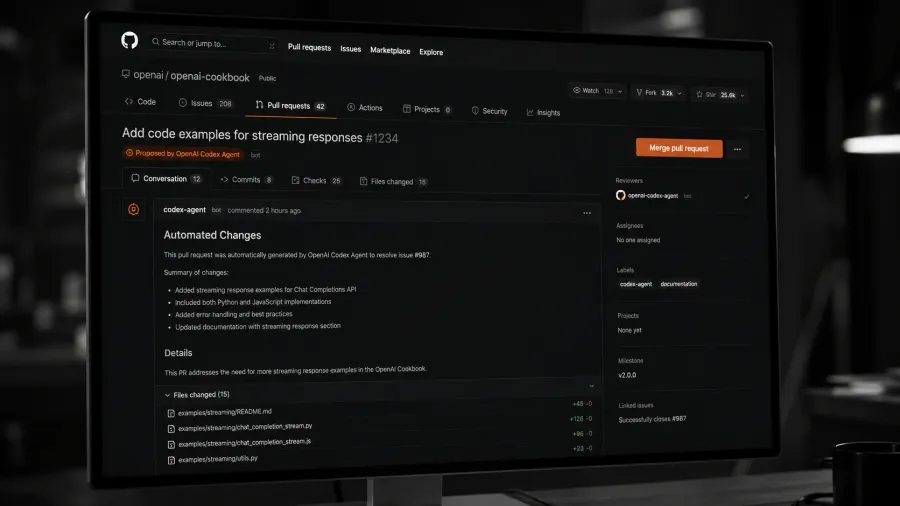
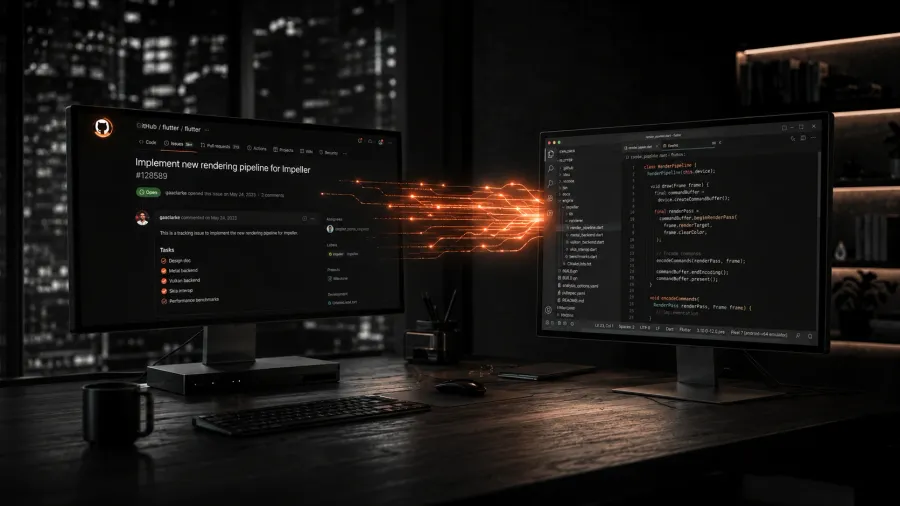
Copilot Workspace là tính năng enterprise-grade: từ một GitHub Issue, Copilot tự tạo plan, implement, tạo pull request và request review — toàn bộ trong giao diện GitHub, không cần mở local editor.
Đây là hướng đi tương tự Devin nhưng tích hợp sâu vào GitHub flow thay vì standalone product.
Extensions và tích hợp
Copilot có thể được extend bằng GitHub Copilot Extensions — third-party integrations với Datadog, Docker, Sentry và nhiều tool khác. Developer có thể hỏi Copilot về logs trong Datadog hoặc deploy status trong Docker ngay trong chat interface.
Điểm mạnh so với Cursor
GitHub integration — Issues, PRs, code review, Actions đều có AI assist tích hợp sẵn. Không cần context switch.
Enterprise security — SOC 2, GDPR, IP indemnity, enterprise SSO. Quan trọng với large org.
Familiarity — Không cần cài IDE mới. Developer đang dùng VS Code có thể bật Copilot trong vài phút.
Hạn chế
Yếu hơn Cursor trong pure AI coding — Benchmark thực tế cho thấy Cursor Agent thường hiệu quả hơn trong multi-file editing phức tạp. Copilot mạnh hơn ở breadth (nhiều tính năng, nhiều tích hợp) thay vì depth.
Lock-in với VS Code ecosystem — Copilot hoạt động tốt nhất trong VS Code và GitHub. Nếu team dùng JetBrains hoặc không dùng GitHub, lợi thế giảm đáng kể.
Pricing
Copilot Individual: $10/tháng. Copilot Business: $19/user/tháng (centralized management, policy). Copilot Enterprise: $39/user/tháng (Copilot Workspace, fine-tuning, advanced security).
Ai nên dùng Copilot?
Team đã dùng GitHub và VS Code, cần AI tích hợp sâu vào quy trình hiện tại thay vì chuyển sang tool mới. Enterprise cần security compliance và centralized management. Developer muốn một AI assistant “đủ tốt ở mọi thứ” hơn là “tốt nhất ở một thứ”.